
Data sources
Connecting data into VALORIO, and the master records it produces.
Basedata is where a workspace's raw numbers enter the system. Everything VALORIO reports on, analyzes, and answers buyer questions about — MRR, EBITDA, invoices, expense lines — ultimately traces back to a record here.
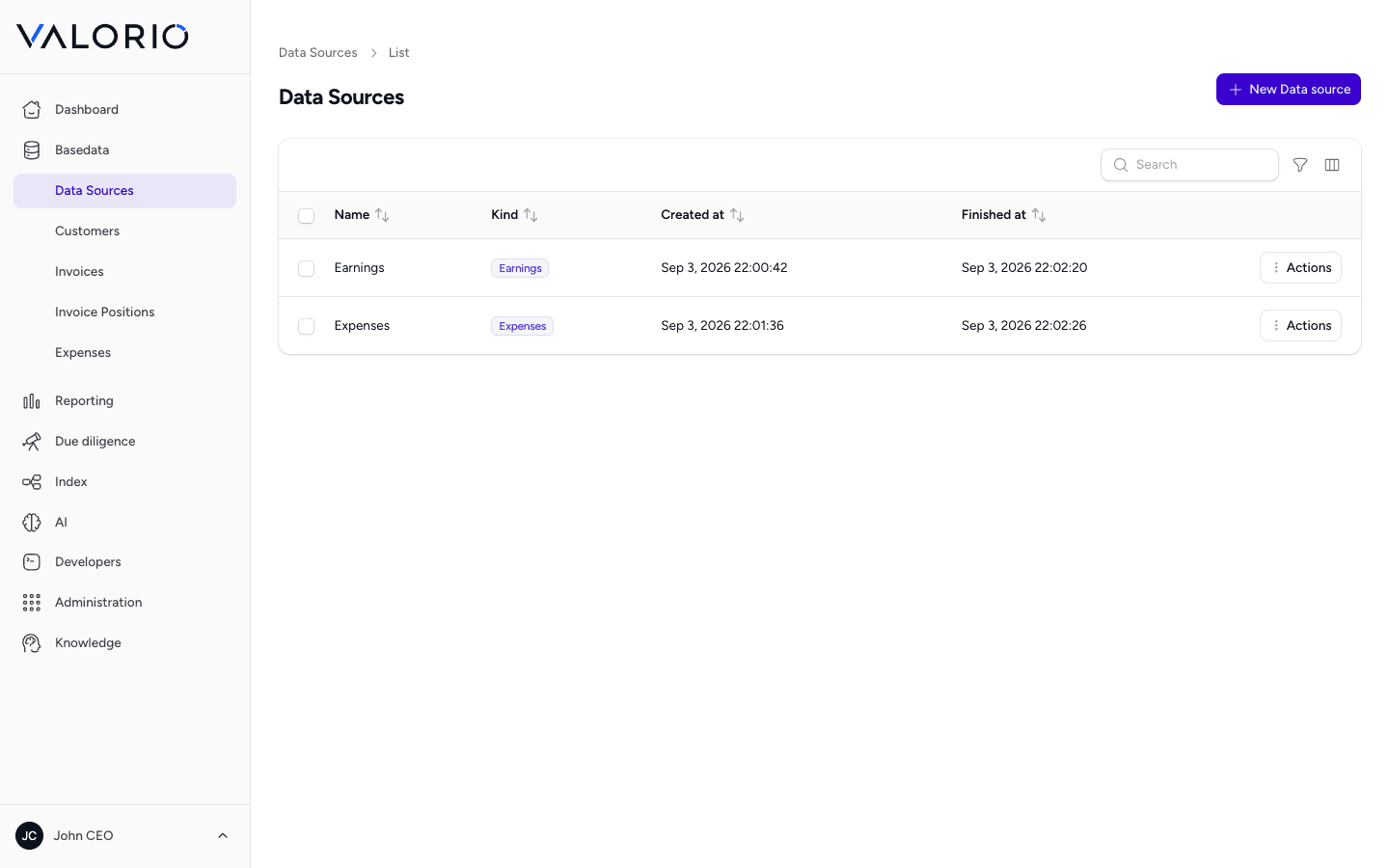
Sources
A Source is a connected data feed — for example a CSV export, an accounting integration, or another system a workspace pulls numbers from. Each one has a kind and a type, its own connection settings, and a run history.
A source can be triggered to run — pulling in the latest data since its last run — and tracks whether it's currently running, when it last started and finished, and the outcome of its most recent run. This is what feeds new invoices, expense lines, and other records into the workspace without anyone re-entering numbers by hand.
Earnings and expenses
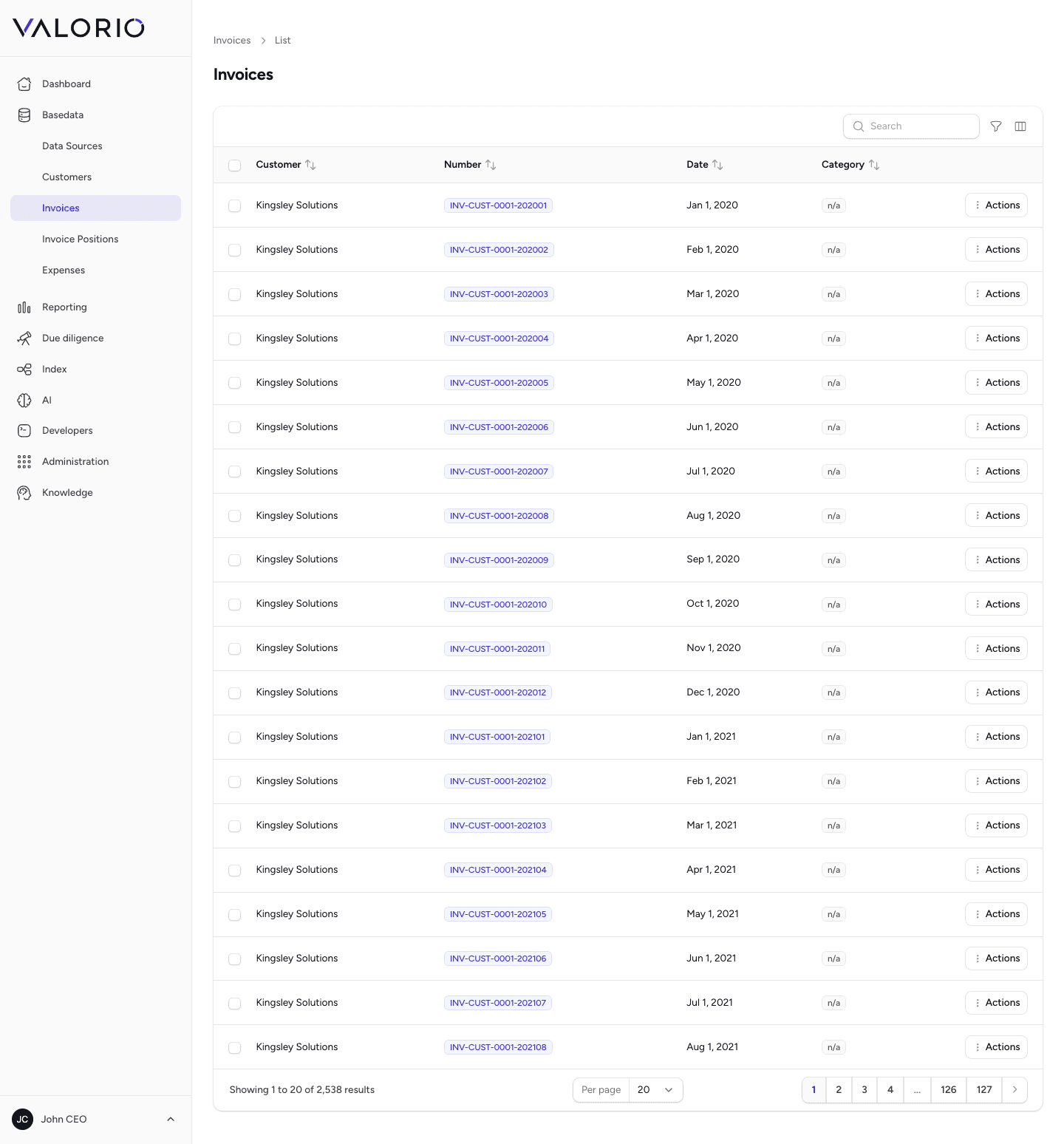
Once a source has run, the master data it produces shows up as ordinary records under Basedata:
- Customers — the counterparties on the revenue side of the business.
- Invoices — billing records tied to a customer, the raw input for revenue-based reports like MRR and ARR.
- Earnings positions — individual line items making up an invoice or revenue record.
- Expense positions — the cost side, feeding EBITDA, gross margin, and every other cost-derived metric.
Why this matters for diligence
Because every report and every AI-detected finding is computed from these records, a buyer questioning a number can always be answered by tracing it back to its source data — not just a screenshot of a dashboard. That traceability is the backbone of the evidence tables you'll see throughout Reporting and Due diligence.