Administration
Users, roles and audit logs
Administration covers everything about who can access a workspace and how it's configured, plus the operational tooling for tracking data moving in and out and for monitoring the workspace's health.
Users and roles
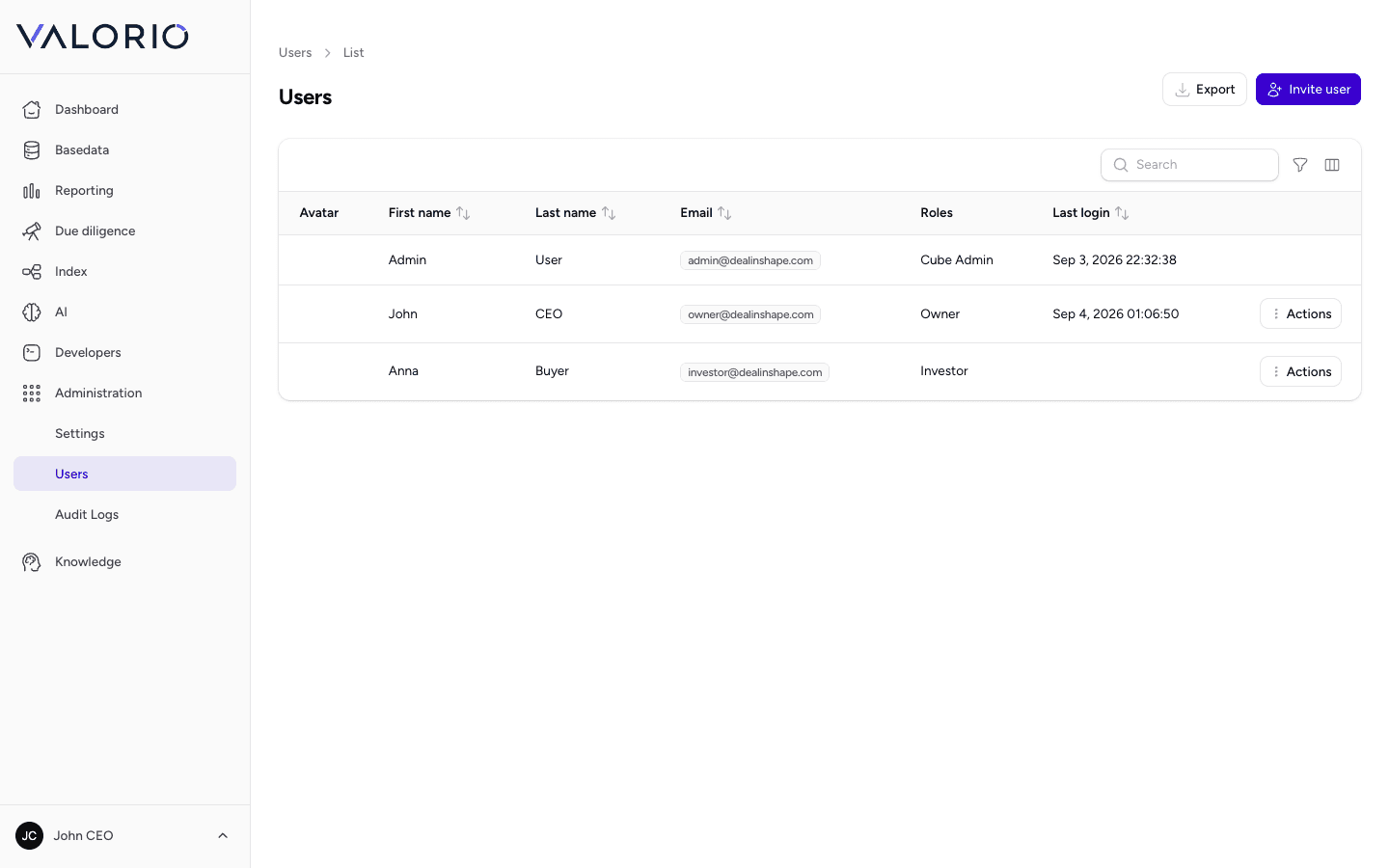
Every member of a workspace has a user record with a role that determines what they can see and do — from a full workspace admin down to a counterparty given narrow, read-only access to specific parts of a deal. Roles are managed separately from users, so access for an entire class of team member (for example, “Investor”) can be adjusted in one place rather than user by user.
valorio.ai — Administration — Users